Loading game
Preparing player
Loading game
Ready to play
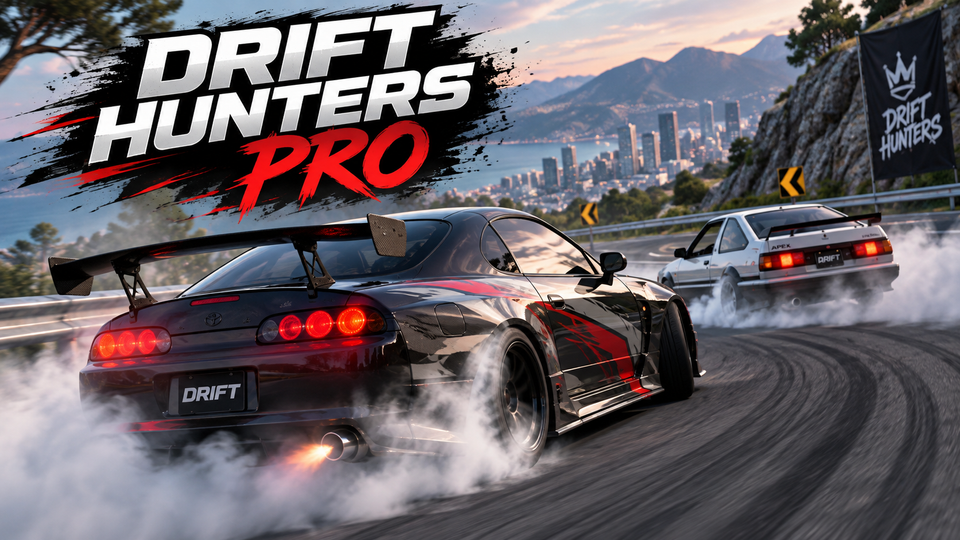
Drift Hunters Pro is a 3D drifting game with 10 tunable cars, six tracks, upgrades, nitro, solo practice, and public or private multiplayer rooms.
Drift Hunters Pro is a 3D drifting game built around long controlled slides, car tuning, garage progression, and online multiplayer. You can practice alone on six tracks or join public and private rooms with other drivers. Successful drifting earns credits that can be spent on a garage of 10 cars, performance upgrades, tuning adjustments, paint, and wheels.
Despite the similar name, Drift Hunters Pro is not the same game as the original Drift Hunters. The Pro version emphasizes online rooms and a smaller JDM-focused garage, while the original Drift Hunters comes from a different developer and uses a different vehicle and control setup.
The main objective is not simply reaching a finish line. Your progress comes from controlling the car sideways through corners and earning credits from successful drifting. Longer, cleaner slides give you more useful runs and help fund new cars and garage improvements.
You can approach the game in two ways. Single Player gives you an empty track where you can learn corners, experiment with tuning, and earn credits without traffic from other drivers. Multiplayer lets you enter public rooms or create private sessions where several cars can drift together.
Current Drift Hunters Pro listings consistently document this control set for the Pro version. Some pages also list additional interface keys, but the controls above cover the main driving functions.
A strong drift starts before the car reaches the center of the corner. Enter with enough momentum, begin turning, then use the handbrake when you need the rear tires to break traction more quickly.
Once the car is sideways, avoid locking the steering fully in one direction. Countersteer against the slide and make smaller corrections as the car rotates. Too much steering can turn a controlled drift into a spin, while too little can straighten the car before you finish the corner.
Throttle control matters as well. Holding maximum acceleration through every bend can push the vehicle too wide. Reducing throttle briefly can tighten the line, while adding power can help prevent the drift from losing momentum.
Nitro is useful when the car begins losing too much momentum during or between drifts. A short boost can help you keep moving into the next corner, especially with lower-powered cars.
Do not treat nitro as a button that should remain active constantly. Extra speed can make an upcoming corner more difficult to control. Use it where the road gives you space or when maintaining momentum is more important than reducing speed.
Drift Hunters Pro currently features 10 cars and six tracks. The garage focuses heavily on Japanese performance-car styling, while the available environments include locations such as mountain roads, city streets, docks, and race-oriented layouts.
Wide tracks are useful when you want more room to understand a new car. Tighter roads demand earlier preparation because there is less space to correct a drift that begins at the wrong angle.
The garage goes beyond buying faster cars. Documented performance upgrades include areas such as engine power, turbo, gearbox, handling, and vehicle weight. You can also fine-tune settings including front and rear ride height, camber, turbo pressure, brake balance, and brake force.
Visual customization includes changing the car's paint and wheels. These cosmetic choices do not replace performance tuning, but they let you personalize vehicles while building the garage.
If the car already has enough power but feels difficult to control, adding even more acceleration may make your drifting less consistent. Handling-related upgrades and setup changes can be more useful when the main problem is keeping a stable angle through corners.
Change one or two settings, return to the track, and see how the vehicle responds. This makes it easier to understand what each adjustment actually changed.
Single Player is the better place to learn a track. There are no competing drivers to avoid, so you can repeat corners, test a setup, and find a stable drift line before joining an online room.
Multiplayer lets you join public rooms or create private rooms for friends. This makes tandem drifting possible, but another car can also interfere with the line you normally use in solo play. Give other drivers enough space and adjust your entry when the usual route is occupied.
Reduce excessive speed before initiating the slide rather than trying to correct everything while already sideways. A calmer entry gives you more room to control the drift angle.
The handbrake is useful for starting rotation, but holding it too long can remove too much speed. Release it once the rear of the car begins stepping outward and continue the drift with steering and throttle.
If the car slows heavily between corners, the next drift becomes harder to start. Carry enough speed through the exit and use short nitro bursts when you need help maintaining pace.
A corner you do not understand can make a good car feel badly tuned. Learn the basic layout first, then change suspension, camber, brakes, or power settings when you can clearly identify what the vehicle needs.
Following another driver too closely can force you into sudden braking or contact. Leave enough distance to react when the car ahead changes its drift angle.
If you enjoy drifting, car control, and improving your driving technique, try these related YaloGames titles. The internal URLs below are confirmed in the YaloGames sitemap.
The current Pro version features 10 cars that can be unlocked, upgraded, tuned, and customized.
Drift Hunters Pro includes six tracks.
Yes. The game includes public multiplayer rooms and private rooms that can be created for friends.
No. They are separate games from different developers. Drift Hunters Pro focuses heavily on online multiplayer, while the original Drift Hunters is a different single-player drifting game.
You earn credits through drifting, then spend them on cars, performance upgrades, tuning, and customization.
Drift Hunters Pro rewards controlled inputs more than aggressive steering. Enter corners at a manageable speed, use the handbrake to start rotation, countersteer as the car slides, and use nitro when you need momentum rather than everywhere. Once your driving becomes consistent, the garage gives you enough tuning and upgrade options to shape the car around the way you prefer to drift.
LIVE CHAT
No messages yet. Start the conversation.
Log in to join the chat.
Login